

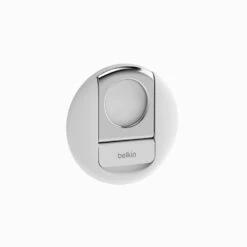
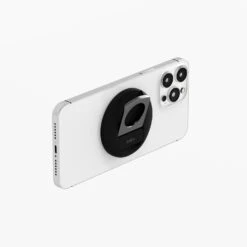
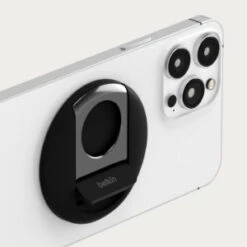
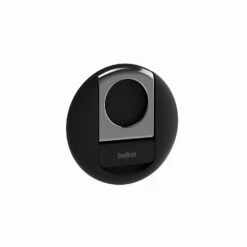
Belkin – IPhone Mount With MagSafe For Mac Notebooks
Original price was: $35.00.$24.50Current price is: $24.50.
- 7-Day Returns, 100% Quality
- No-Questions-Asked Returns
- Quality Meets Affordability
- Fast, friendly, always here to help.

From iPhone to Webcam
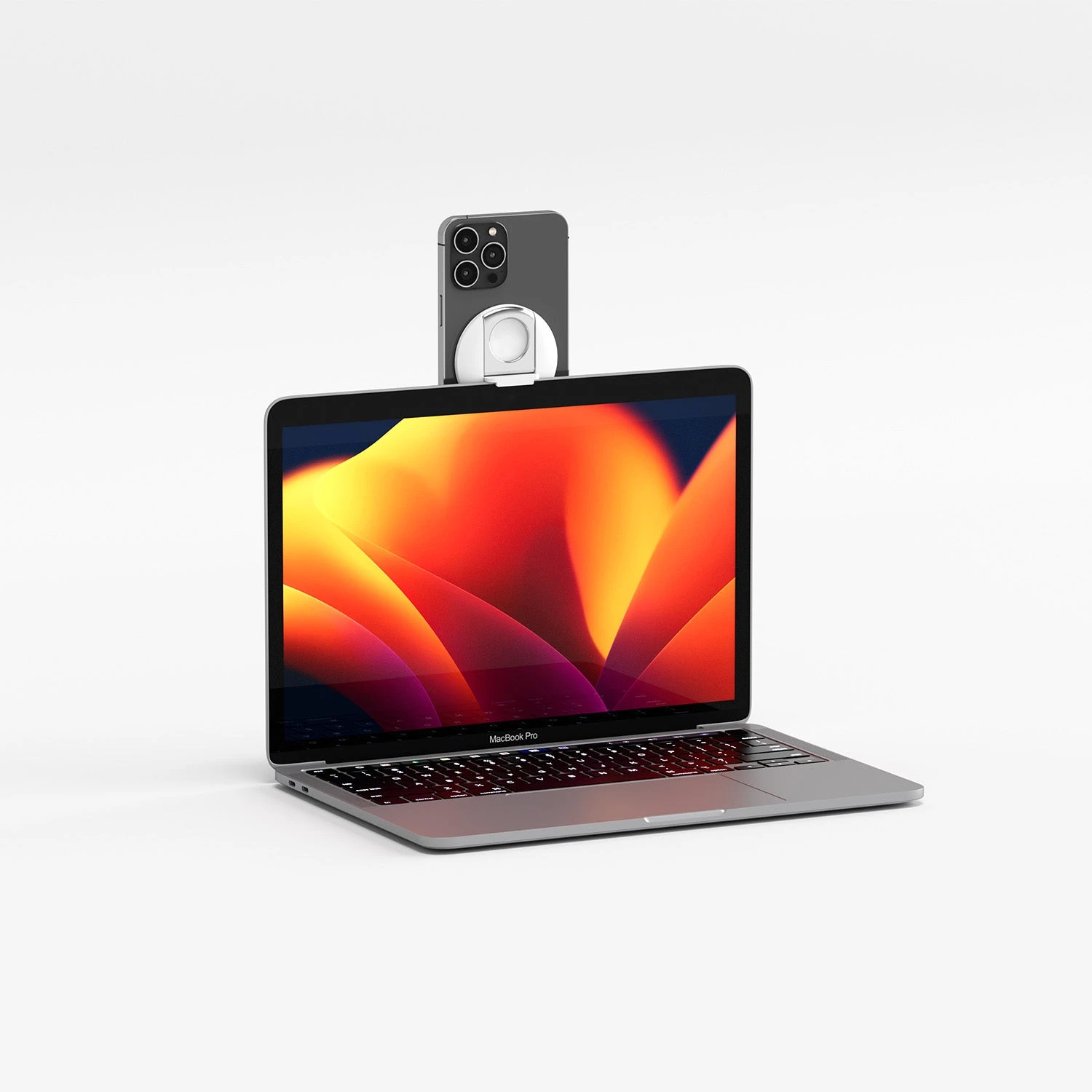
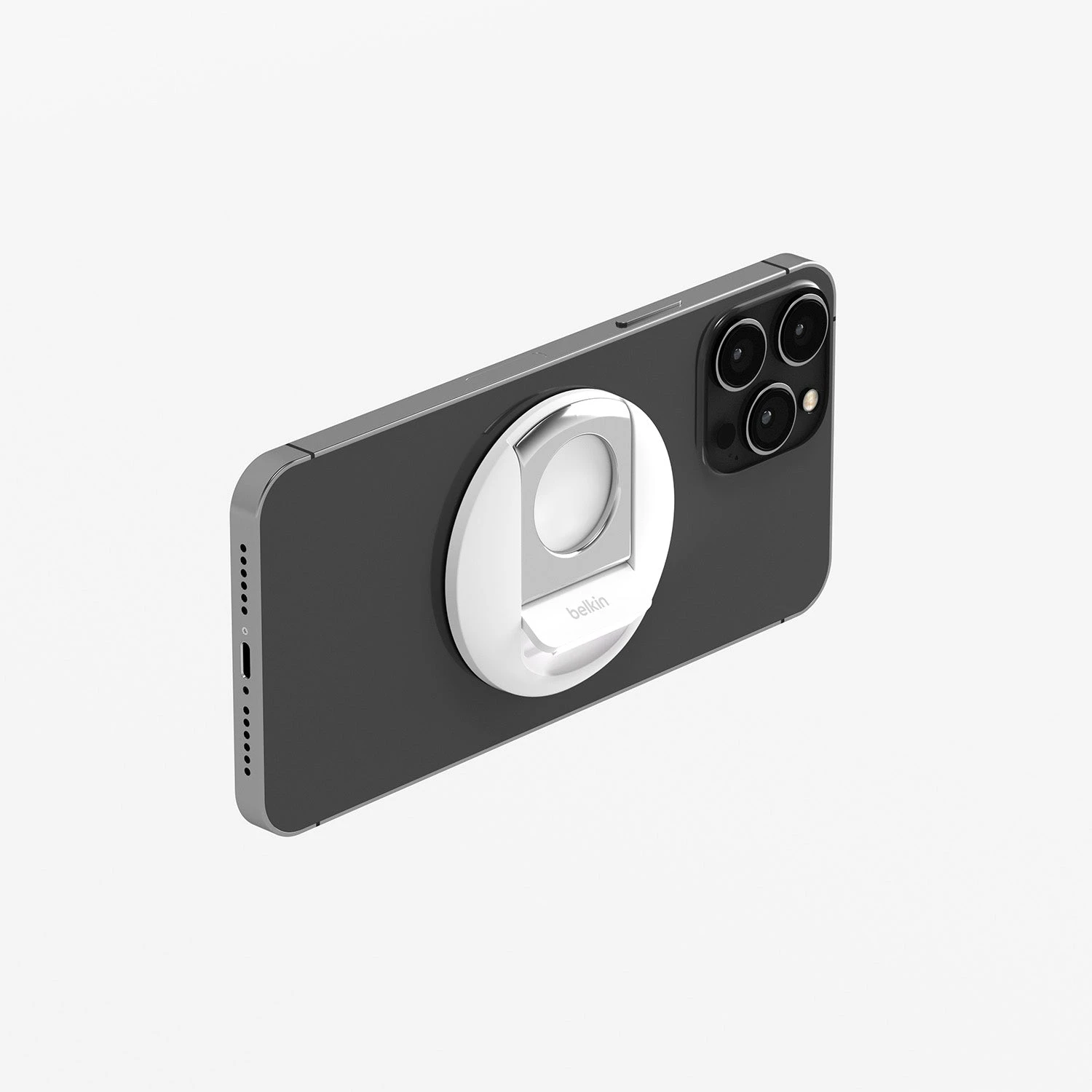
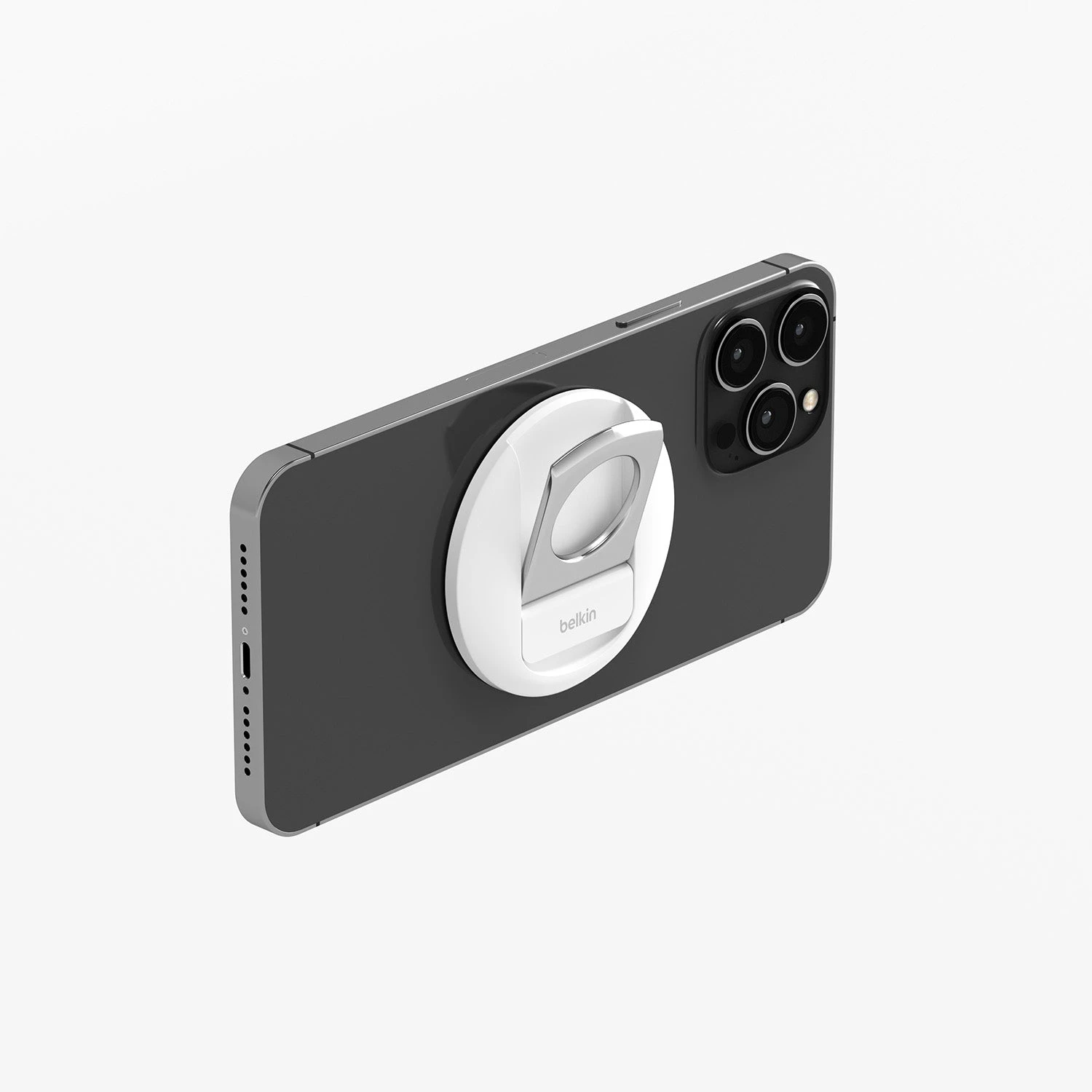
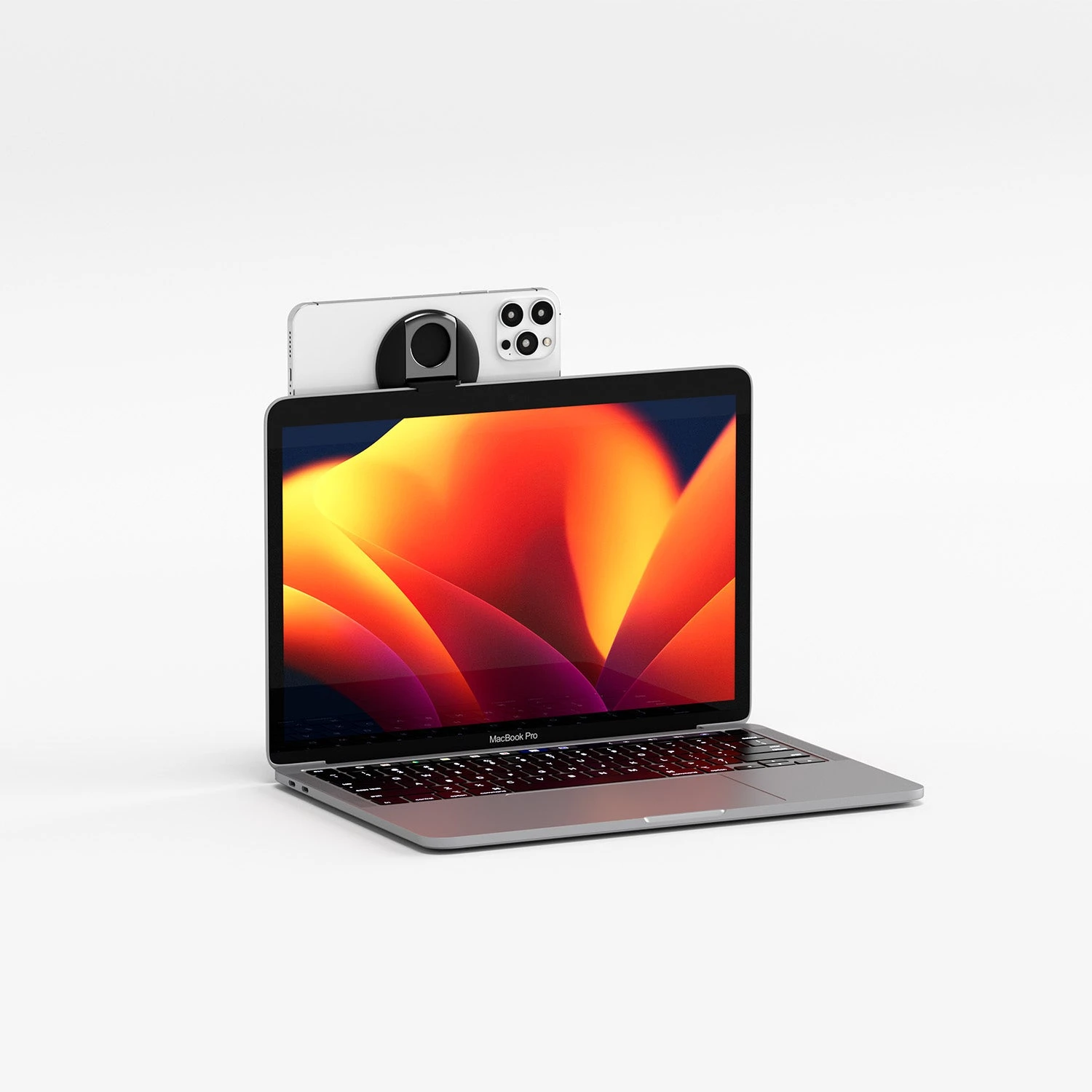
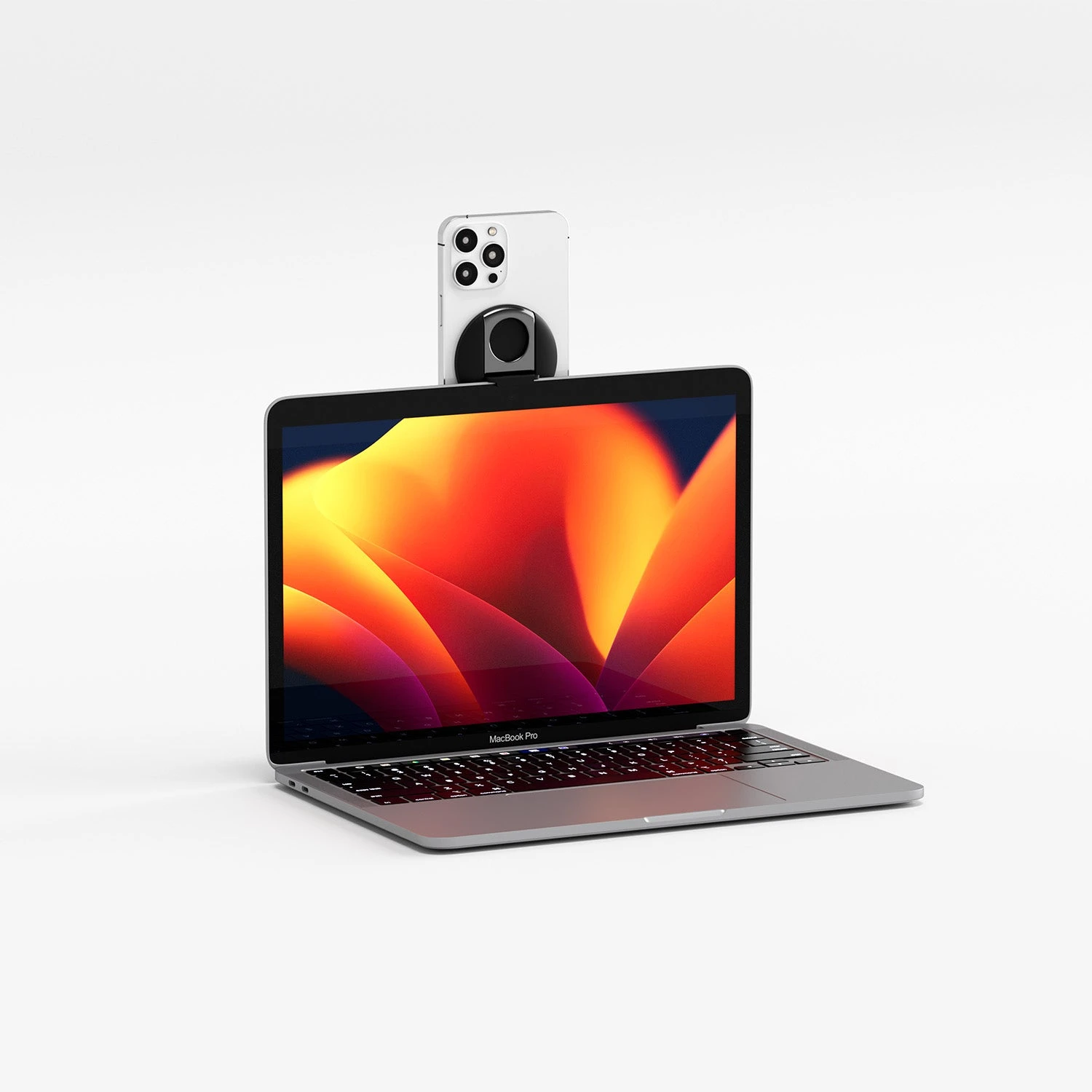
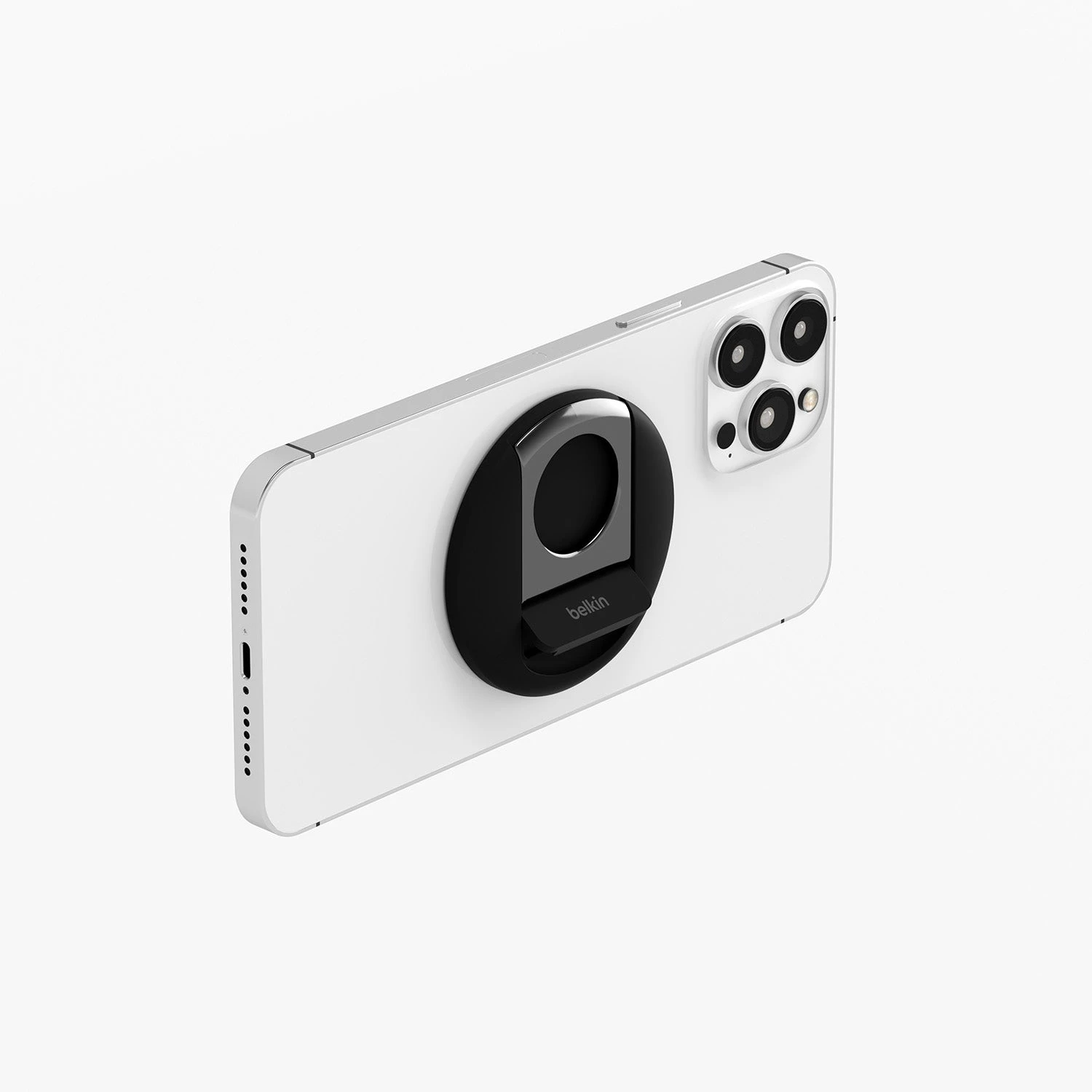
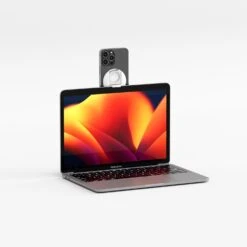
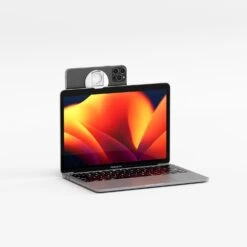
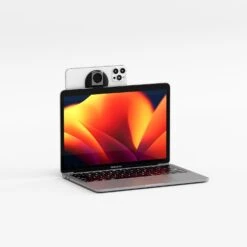
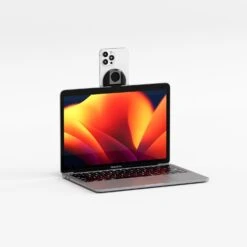
Attach your MagSafe-compatible iPhone (iPhone 12 and later) to your Mac Notebook to utilize Continuity Camera features in the latest version of macOS and enjoy better quality conference calls, Facetime sessions and content creation hands-free.
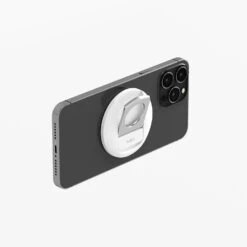
MagSafe Compatibility
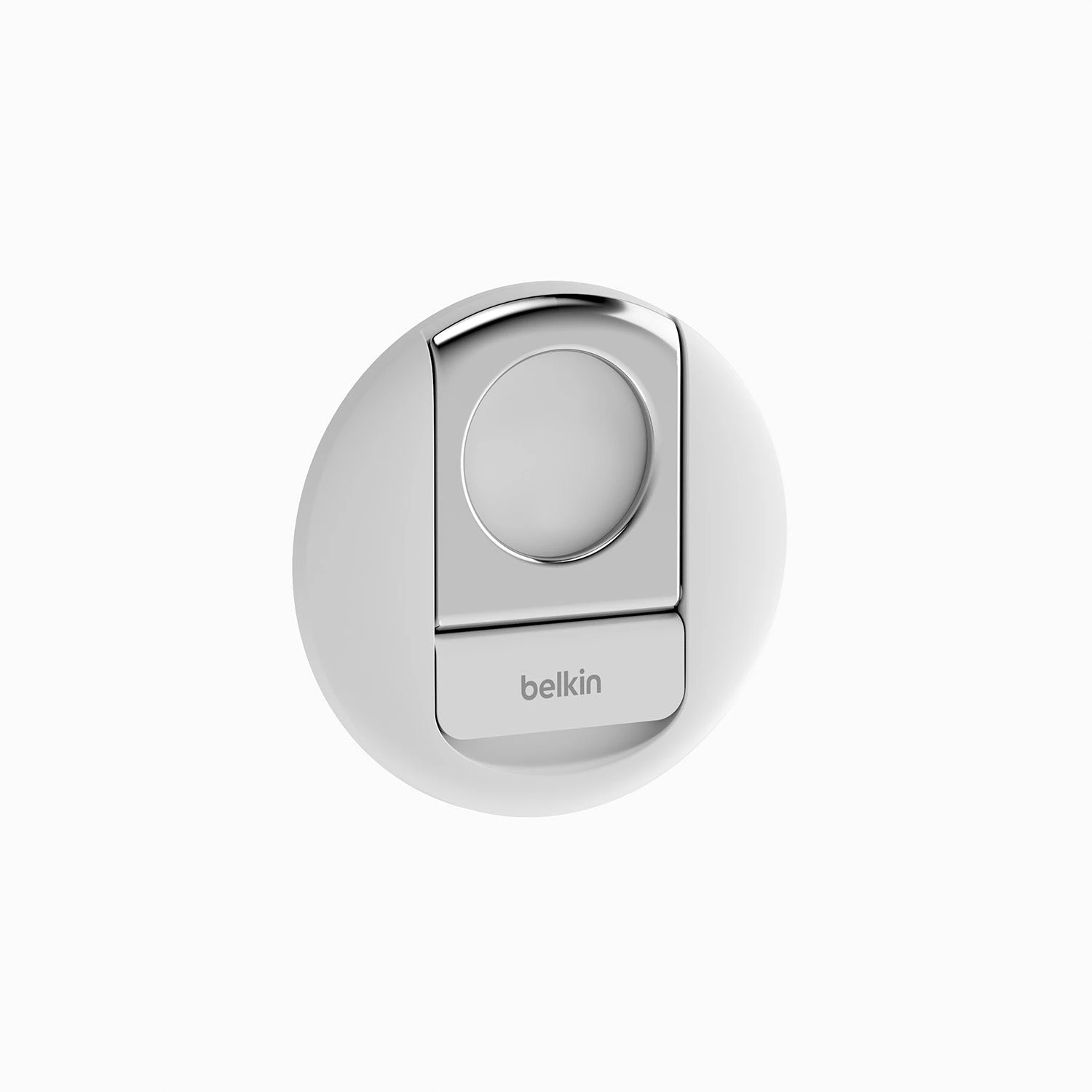
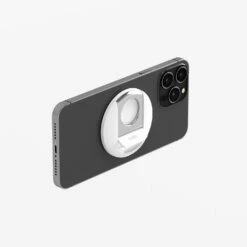
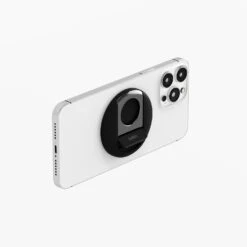
Simply place your iPhone (iPhone 12 and later) against the powerful MagSafe-Compatible mount and start chatting or streaming hands-free. It’s a seamless way to pair your iPhone and computer together to enhance your video calling experience.
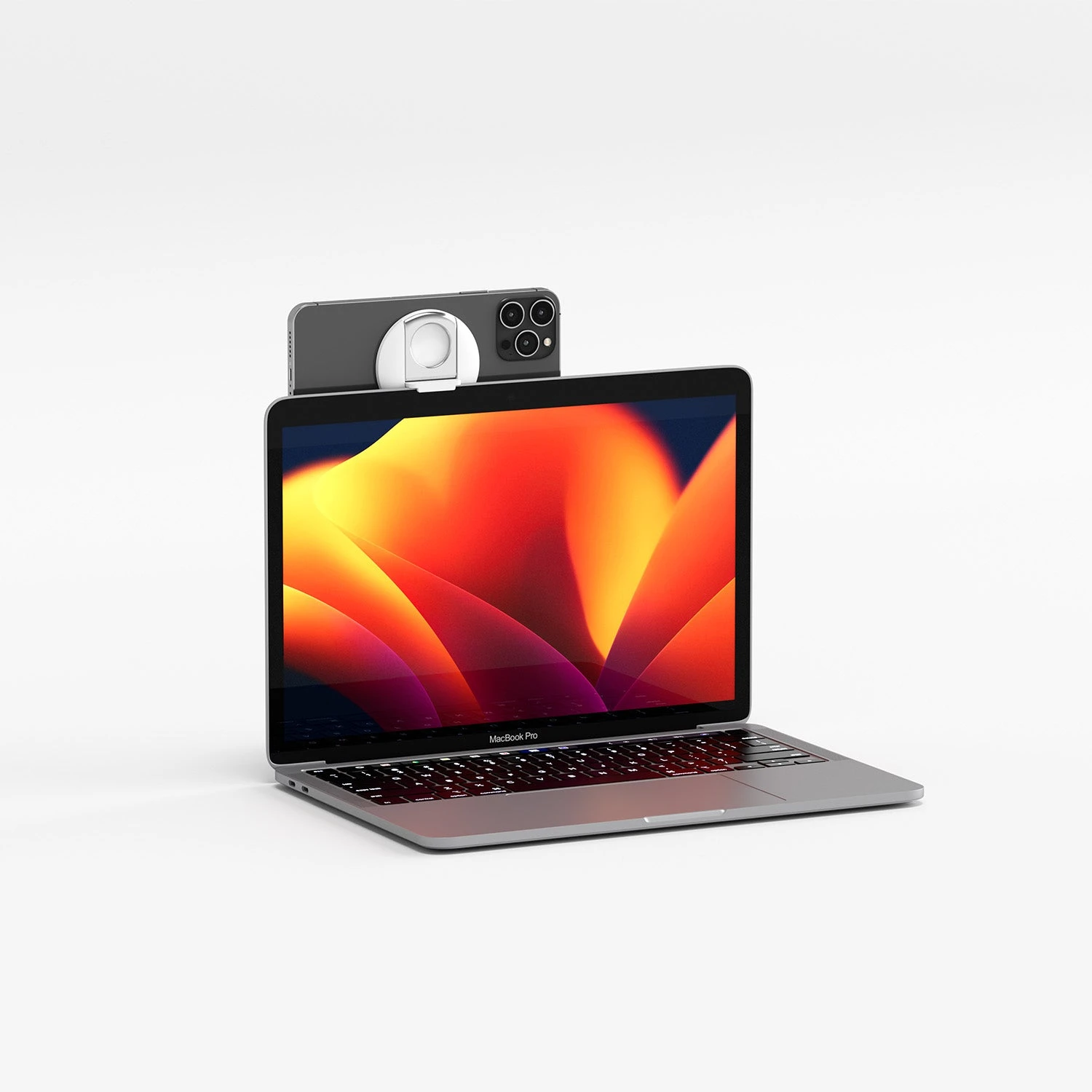
Rotate to portrait or landscape.
With the magnetic iPhone mount, you can use portrait or landscape for your video calls. Just flip your iPhone to stream or record in either orientation hands-free.
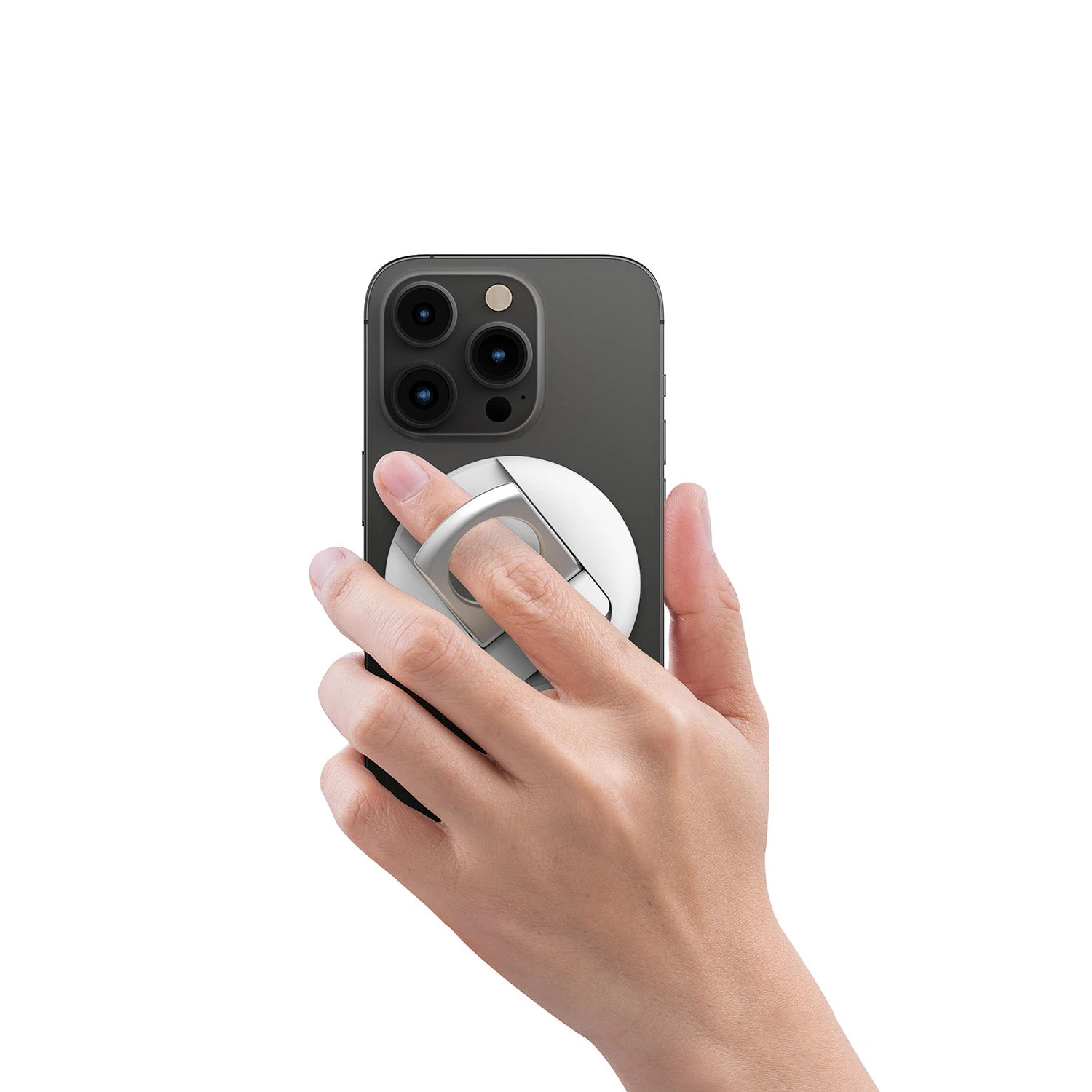
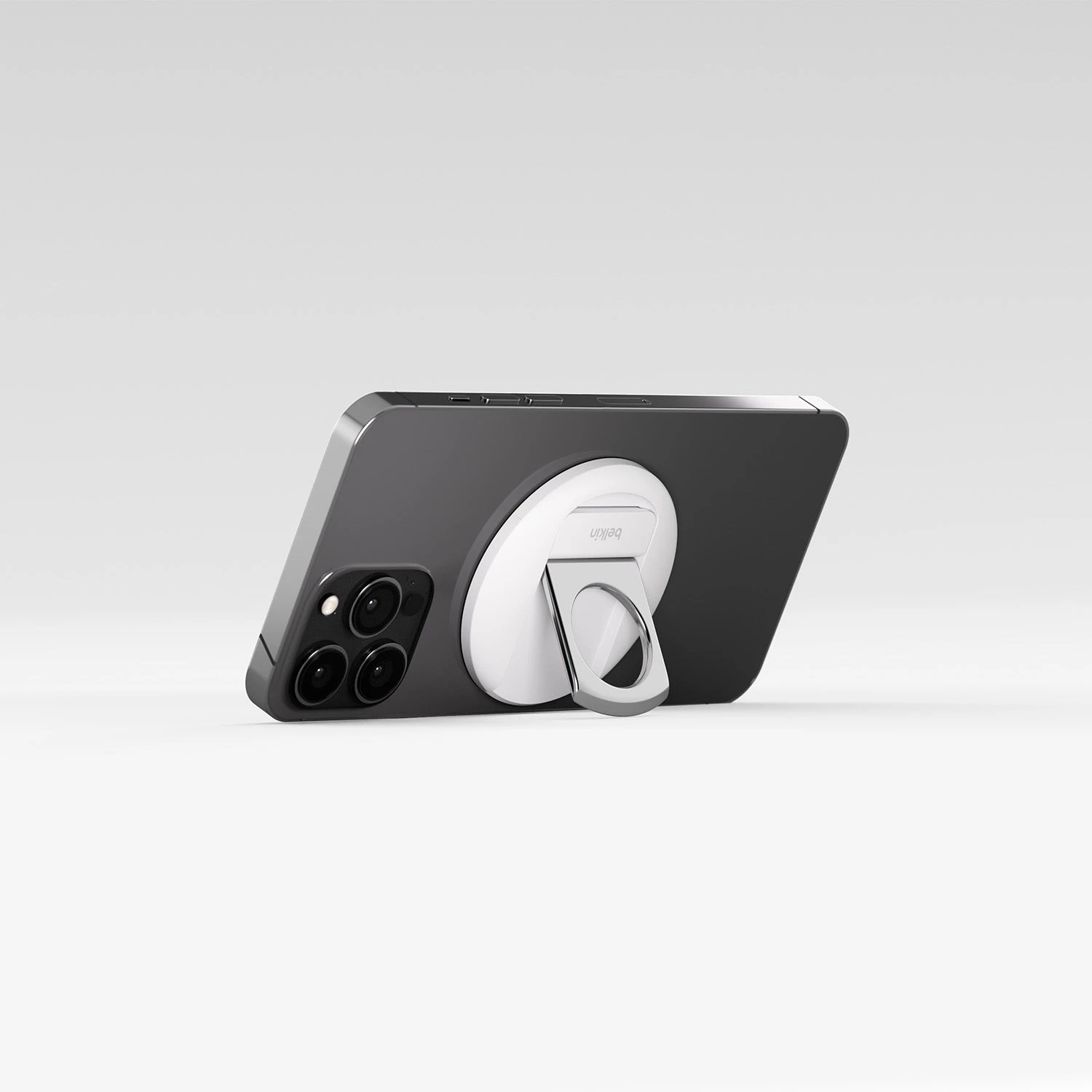
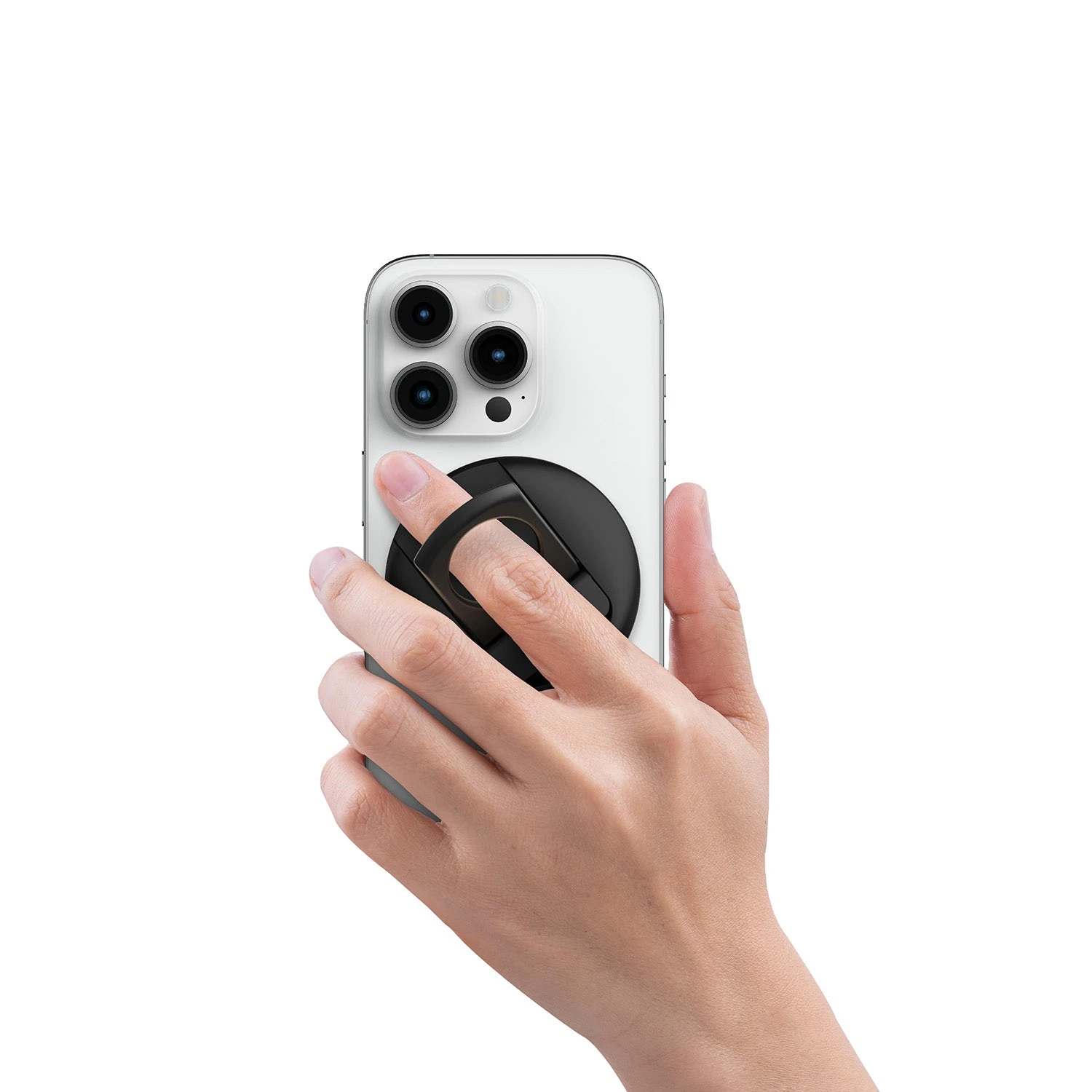
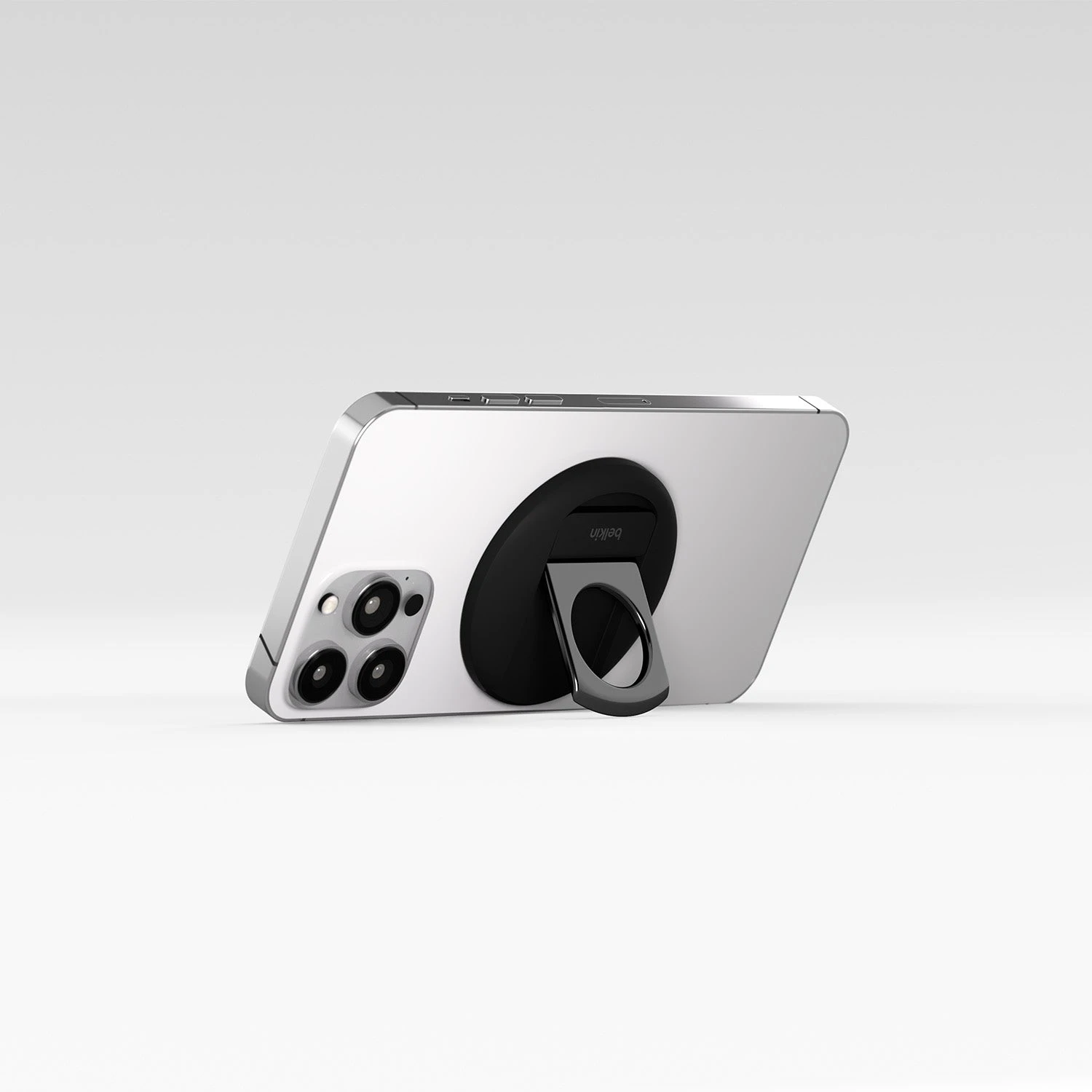
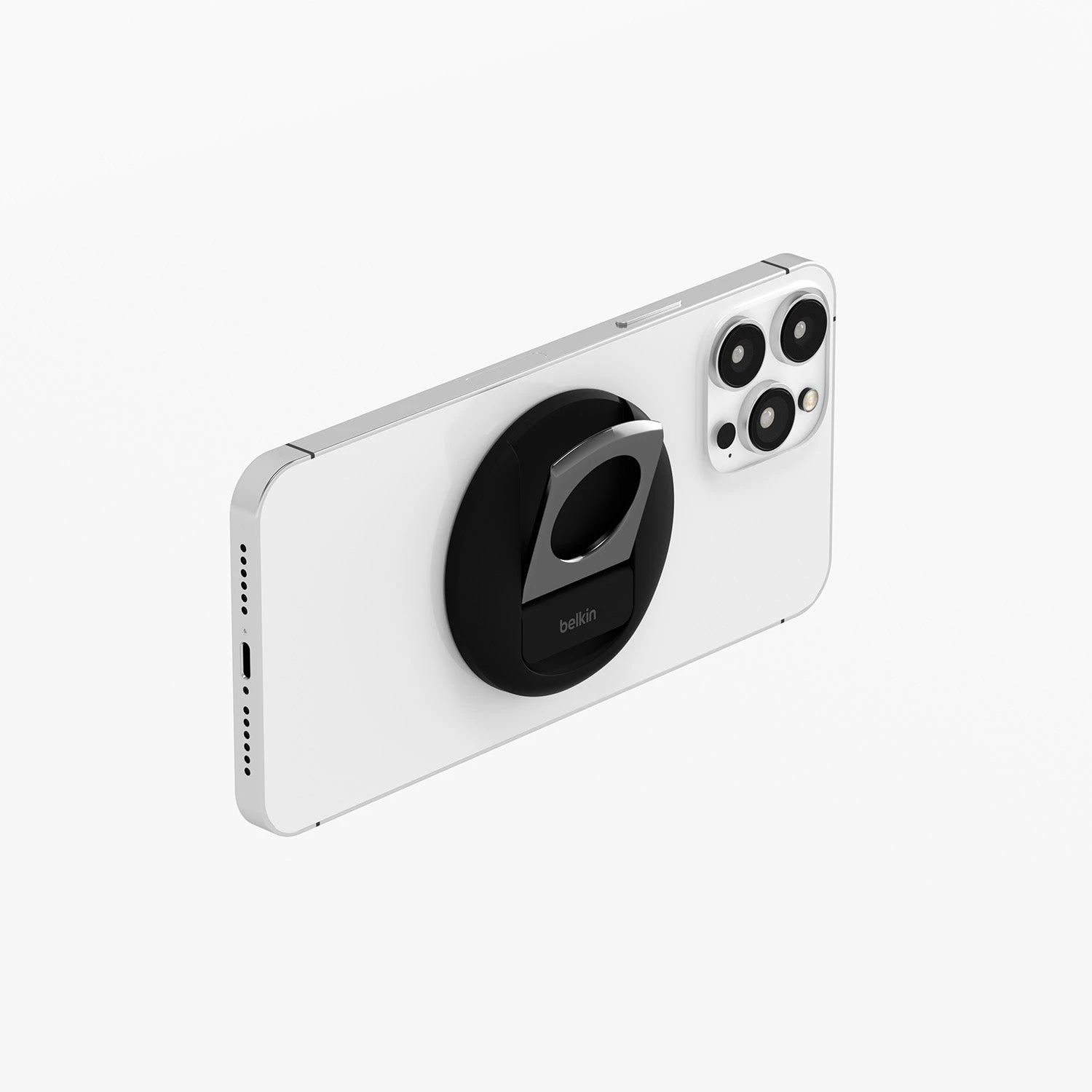
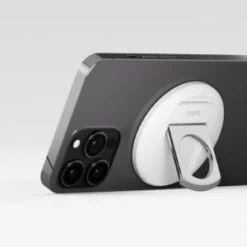
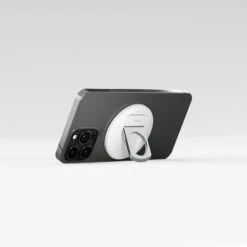
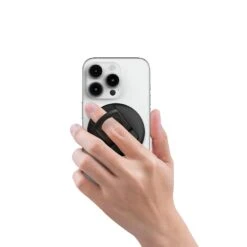
Ring grip and kickstand.
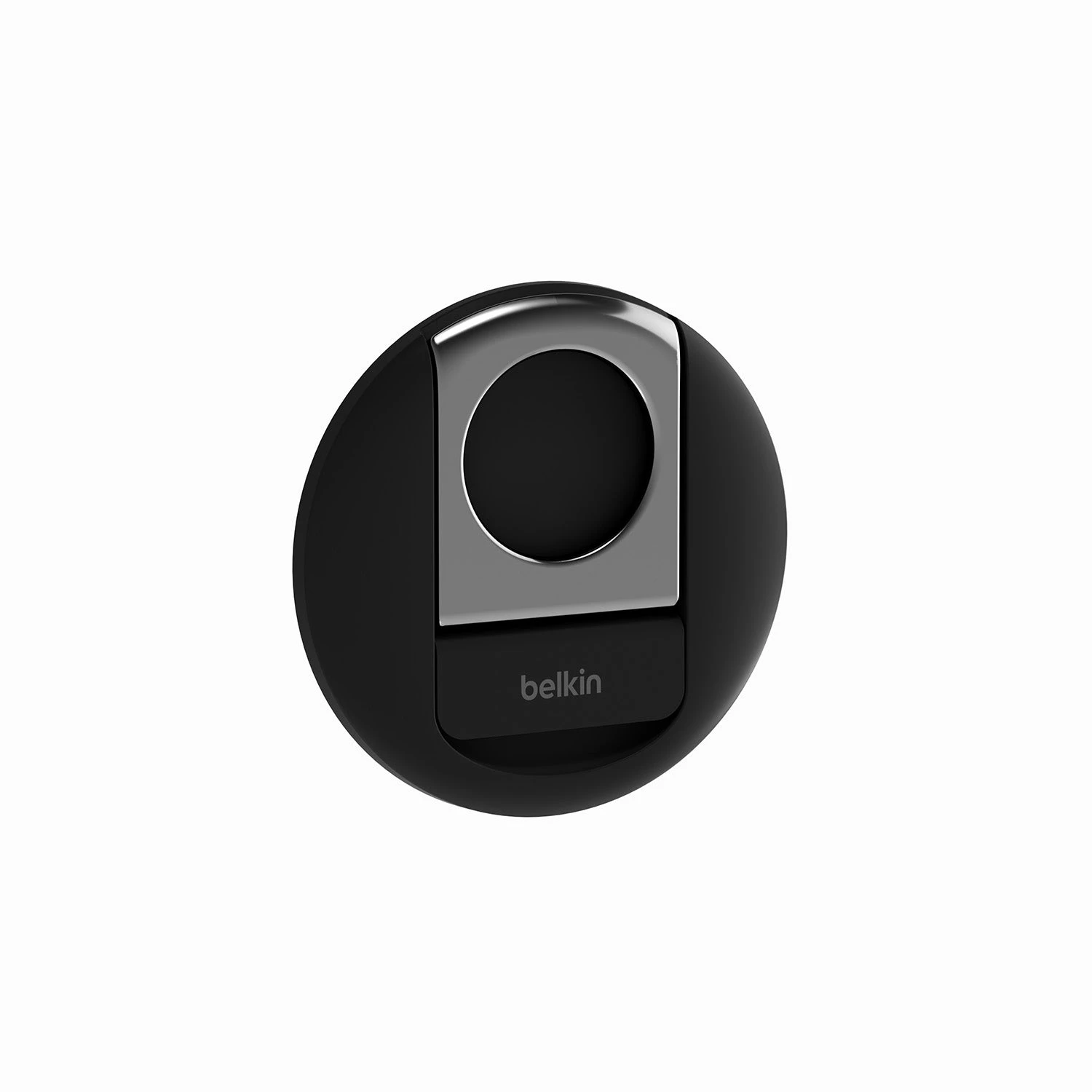
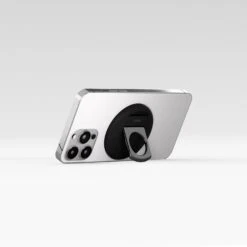
Use it as a stylish ring grip or kickstand at your desk. Premium finishes and bold design, make it the perfect complement to your Mac Notebook and iPhone setup.
| Color | Black, White |
|---|
Be the first to review “Belkin – IPhone Mount With MagSafe For Mac Notebooks”
Related products
Desk setup

Desk setup


Desk setup
Desk setup
Reviews
There are no reviews yet.